About the Fit adds a Try it on button to the product pages of Wix sites that use Wix Stores. A shopper picks one of our model photos, or uploads a photo of themselves, and gets an AI-generated preview of the item being worn, in a window on the page.
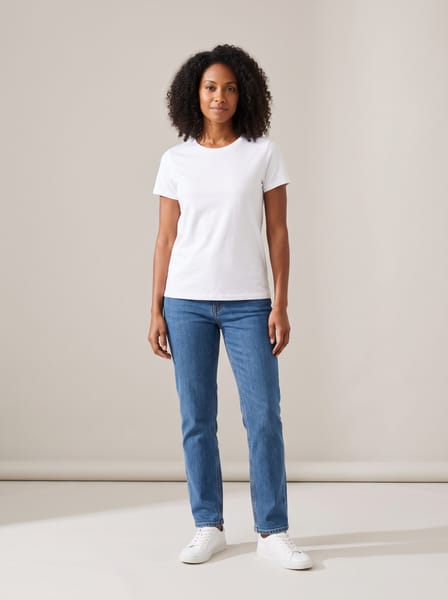

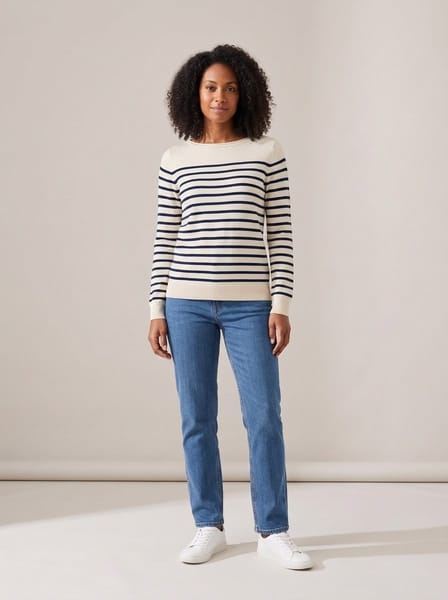
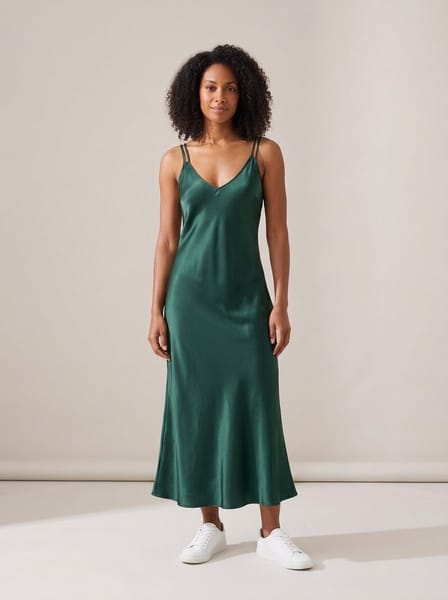


How it works
- Add the app to your site from the Wix App Market. The Try it on button is added to your Wix Stores product page for you, and try-on starts on up to 3 of your products so you can see it working.
- Choose your products. In the app's dashboard, turn try-on on or off for each product, and see the try-ons used this month and your most tried products.
- Shoppers try it on. They pick a model photo or upload their own, and see the preview next to your product. Every preview is labelled as AI-generated.
Shopper photos
Before a shopper's own photo is sent, the try-on window asks them to agree. The photo is used only to create the preview and is not stored by us, and we don't use photos to train AI models. The privacy policy has the details.
Plans
- Free: free; 50 try-ons a month; up to 3 products
- Side Hustle: $9.99 a month or $99.96 a year; 500 try-ons a month; up to 100 products
- Business: $39.99 a month or $399.96 a year; 10,000 try-ons a month; unlimited products
Wix bills paid plans, and every feature is on every plan. Daily fair-use limits apply on every plan, as the terms of service explain.
Help and contact
The help page covers setup, why the button might not show, plans and shopper photos.
About the Fit is made by Hampton.io. Questions, ideas or problems: support@hampton.io